
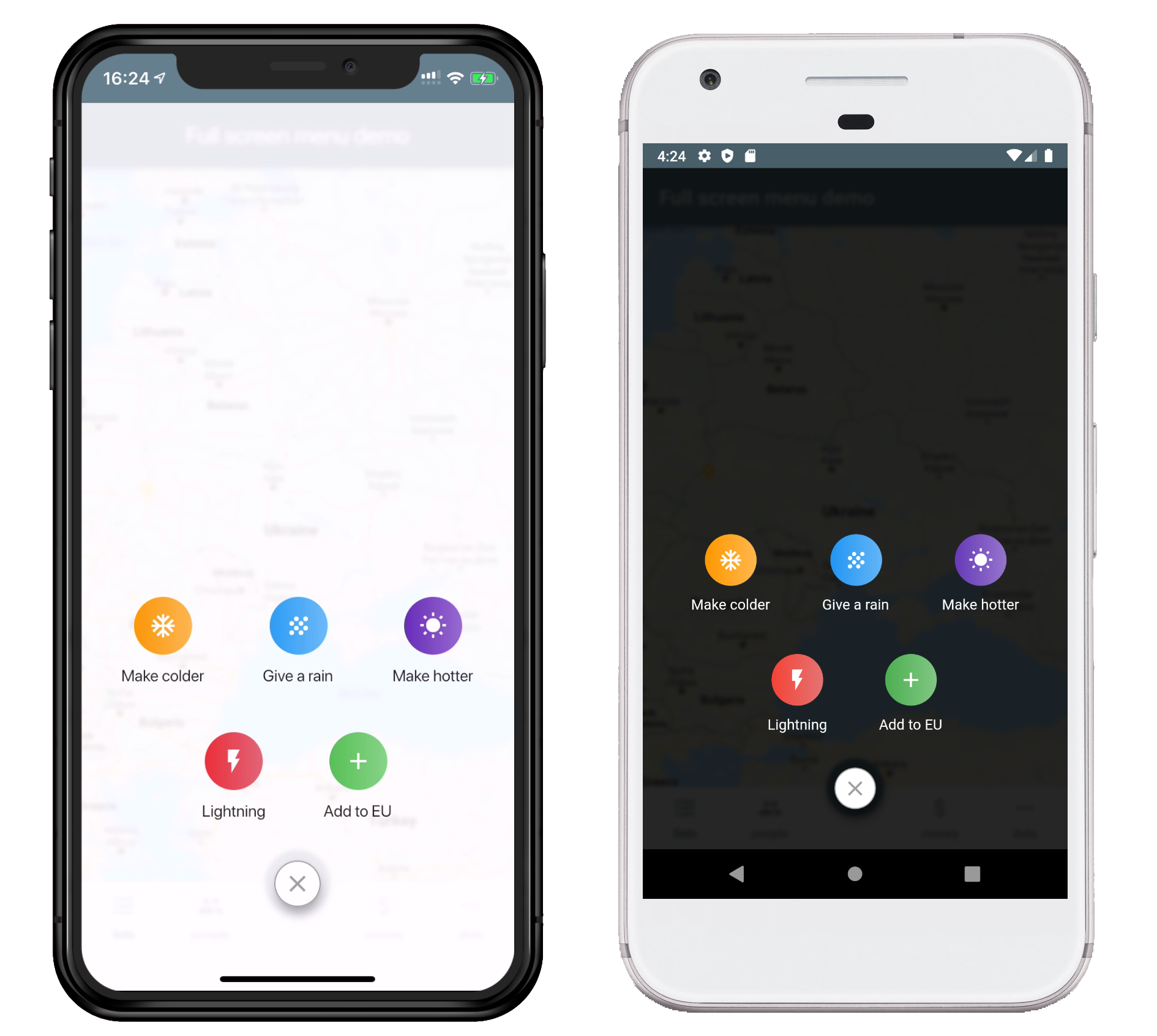
- Add the dependency in your
pubspec.yamlfile.
dependencies:
full_screen_menu: ^2.0.0- Import the
settings_uipackage.
import 'package:full_screen_menu/full_screen_menu.dart'; FullScreenMenu.show(
context,
items: [
Image.asset('assets/image.png'),
FSMenuItem(
icon: Icon(Icons.ac_unit, color: Colors.white),
text: Text('Make colder'),
gradient: orangeGradient,
onTap: () => print('The weather is colder now');
),
FSMenuItem(
icon: Icon(Icons.wb_sunny, color: Colors.white),
text: Text('Make hotter'),
gradient: blueGradient,
onTap: () => print('The weather is hotter now');
),
],
);The Full Screen Menu Base Widget is the block of your menu items located in your screen
| Parameter | Description | Required |
|---|---|---|
| Color backgroundColor | Set a background color of your FullScreenMenu | + |
| VoidCallback onHide | Set a function which is called by pressing FAB | - |
| List items | Set a menu items which you want to display | - |
| BuildContext context | Set the context of your parent widget | - |
| Function(AnimationController) animationController | Setup your animation when open full screen menu | + |
The Full Screen Menu Base Widget is the block of your menu items located in your screen
| Parameter | Description | Required |
|---|---|---|
| Text text | Set the text that will be displayed on the item | - |
| Icon icon | Set the icon that will be displayed on the item | - |
| Function onTap | Set The function that will be called when you click on item | + |
| Gradient gradient | Set a gradient that will fill the background of your icon | + |
This project is licensed under the Apache License 2.0 - see the LICENSE file for details