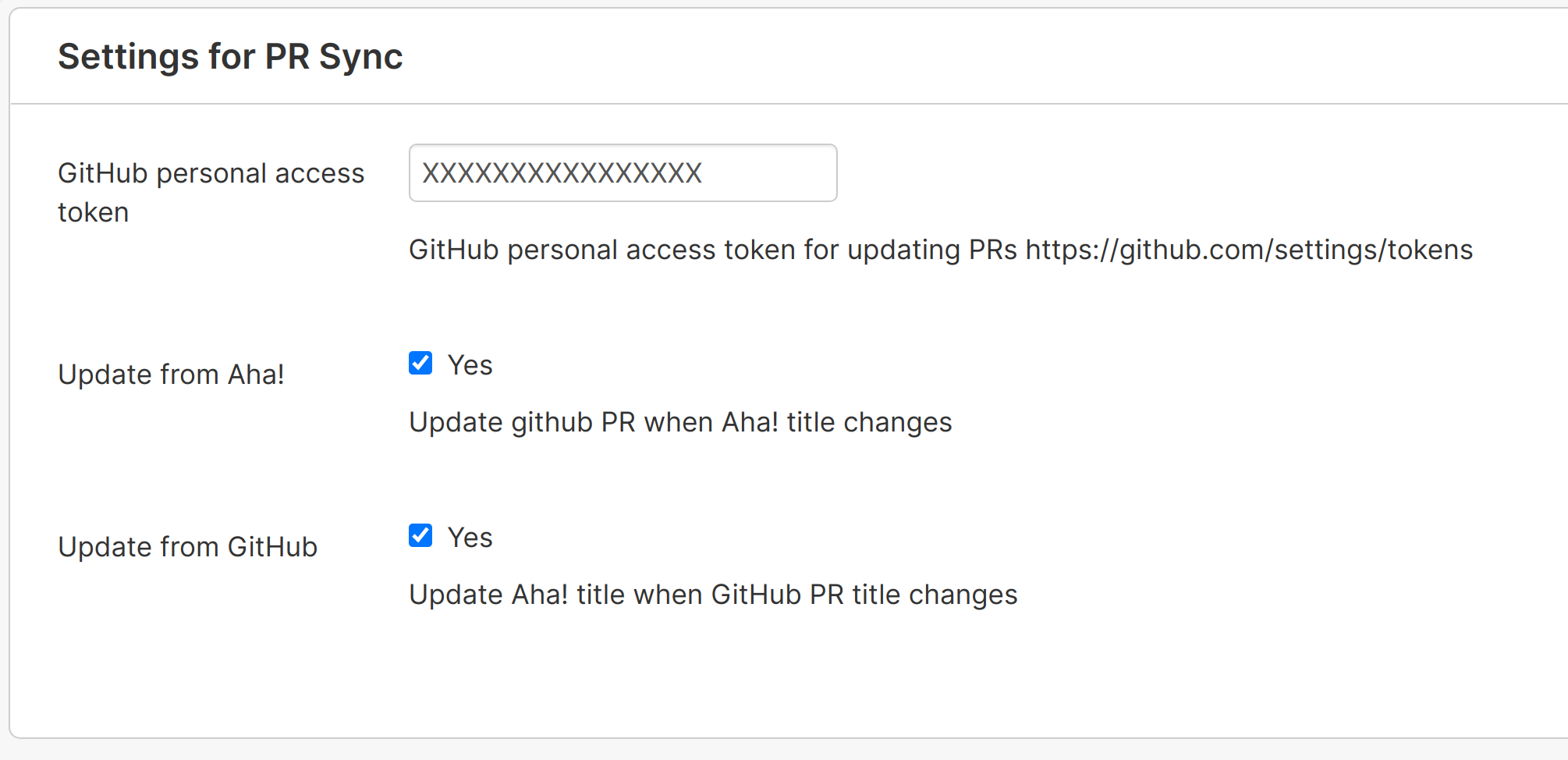
It's annoying when your GitHub pull request title gets out of sync with the record in Aha! Develop. Add this extension to keep them in sync. Can sync Aha! -> GitHub, GitHub -> Aha! and Aha! <=> GitHub
Note: In order to install an extension into your Aha! Develop account, you must be an account administrator.
Requires the official github extension to be installed: https://github.com/aha-develop/github
Install the PR Sync extension by clicking here.
To sync to GitHub you must supply a personal access token with repo access from https://github.com/settings/tokens
Install aha-cli:
npm install -g aha-cliClone the repo:
git clone https://github.com/jemmyw/aha-develop-pr-sync.gitInstall and setup the github graphql types:
yarn install
yarn run codegen
Note: In order to install an extension into your Aha! Develop account, you must be an account administrator.
Install the extension into Aha! and set up a watcher:
aha extension:install
aha extension:watchaha extension:build