


About • Features • Structure • Technologies • How to Use • Tutorial
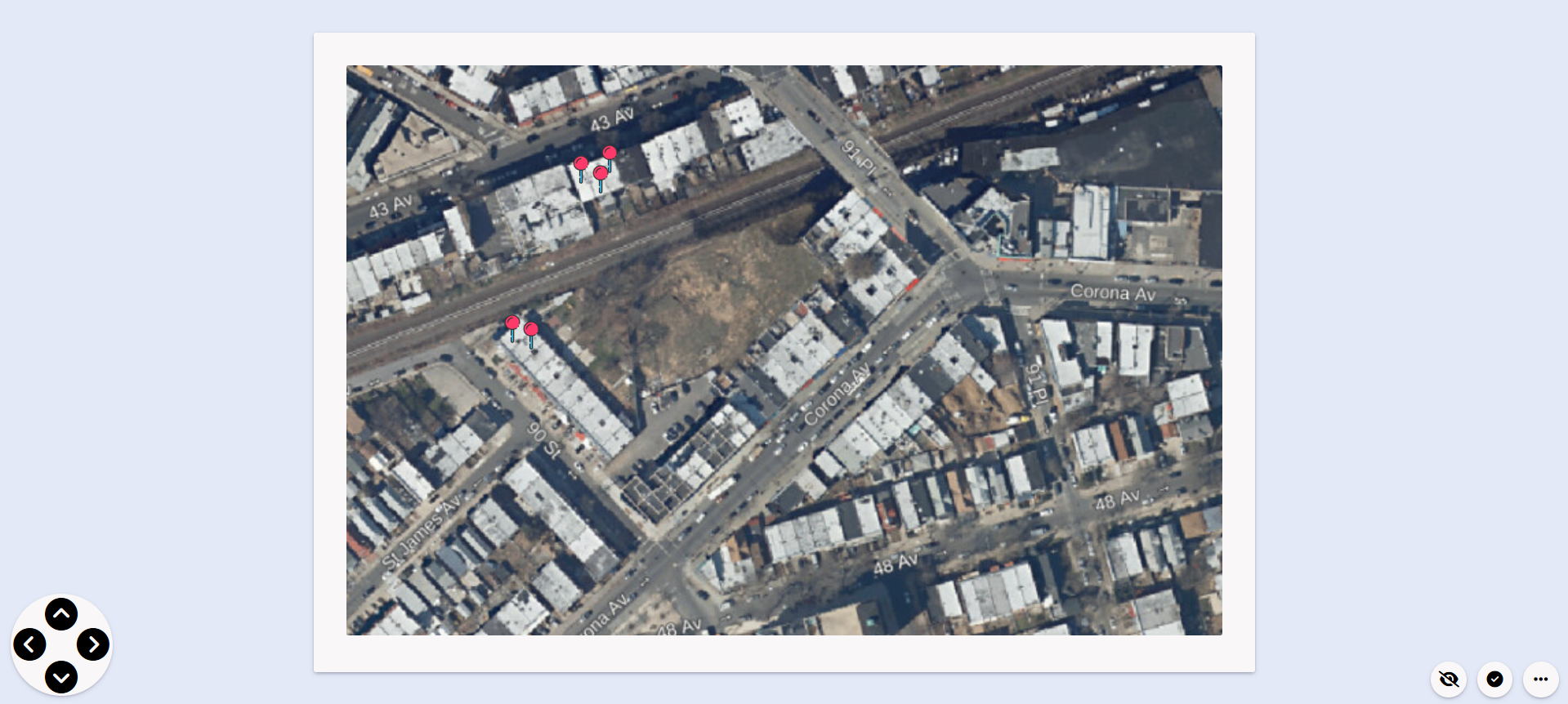
PImage is a simple, interactive image mapping tool created as a lightweight solution for viewing and editing map-based data in a web interface. It consists of two modules:
View Mode: A viewer for loading and navigating map images with interaction points.
Edit Mode: An editor allowing the addition, modification, and deletion of markers and labels over a base image.
Originally created for quick prototyping and local demonstrations, PImage is ideal for use cases like cemetery mapping, visual seating charts, classroom layouts, or any image-based spatial representation.

- Add, move, rename, or delete pins
- Show/hide labels and pin icons
- Integrated search functionality by pin name
- Map-style background with pixel grid precision
- Responsive layout optimized for all screen sizes
📆 PImage
 ├ ✂ index.html               # Landing page
 ├ ✂ tutorial.html            # Guide with usage instructions
 ├ ✂ README.md
 ├ 📂 assets/
 │ ├ 📂 css/
 │ │ └ ✂ style.css            # Global styles
 │ └ 📂 images/
 │   ├ 📂 tools/               # Tool icons
 │   └ 📂 tutorial/            # Screenshots used in tutorial
 ├ 📂 editMode/
 │ ├ ✂ index.html             # Edit mode interface
 │ └ ✂ script.js              # Logic for pin creation and editing
 └ 📂 viewMode/
   ├ ✂ index.html             # View-only mode interface
└ ✂ script.js # Logic for viewing and interacting- HTML5
- CSS3
- JavaScript
No dependencies. Everything runs in the browser.
- Open
index.htmlin your browser to access the landing page. - Choose Edit Mode to create and modify pins.
- Use View Mode to explore the map interactively.
A visual walkthrough is available in tutorial.html, showing how to:
- Add and move pins
- Rename or delete them
- Use the search and visibility features