The project contains a simple web application which supports image uploading and image searching. It could be viewed as a temporary or private cloud space that manages the images you uploaded.
| Note |
Screenshot |
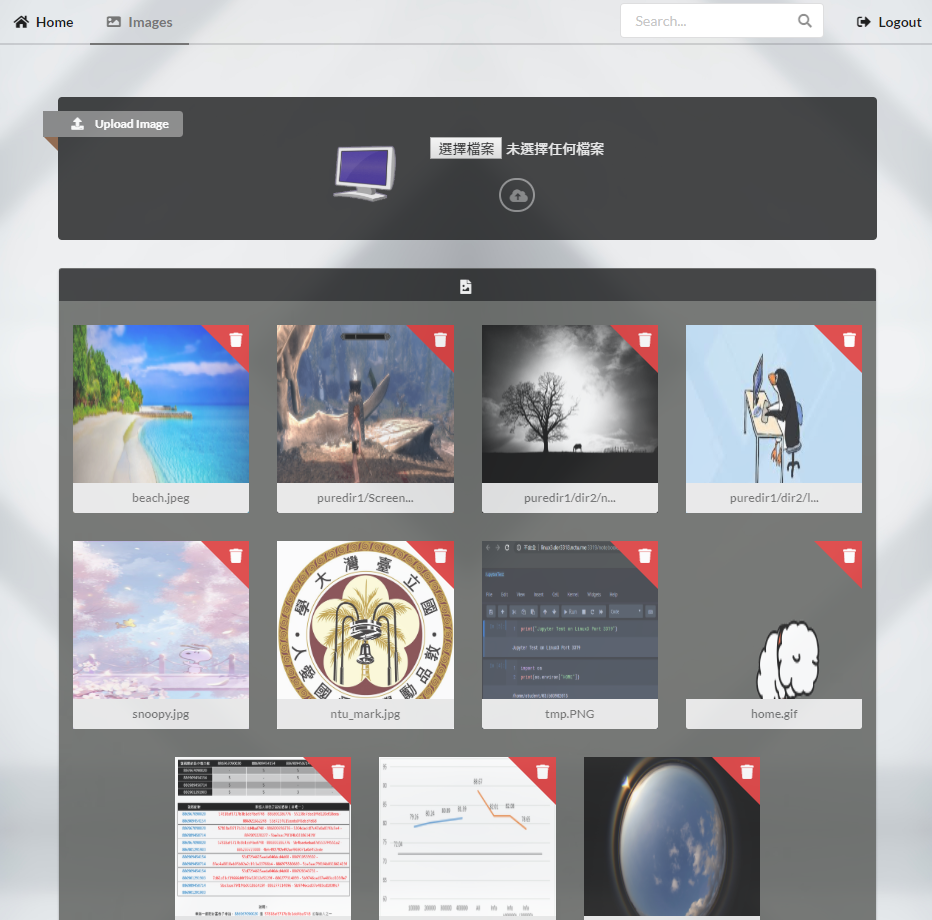
| Main Page |
 |
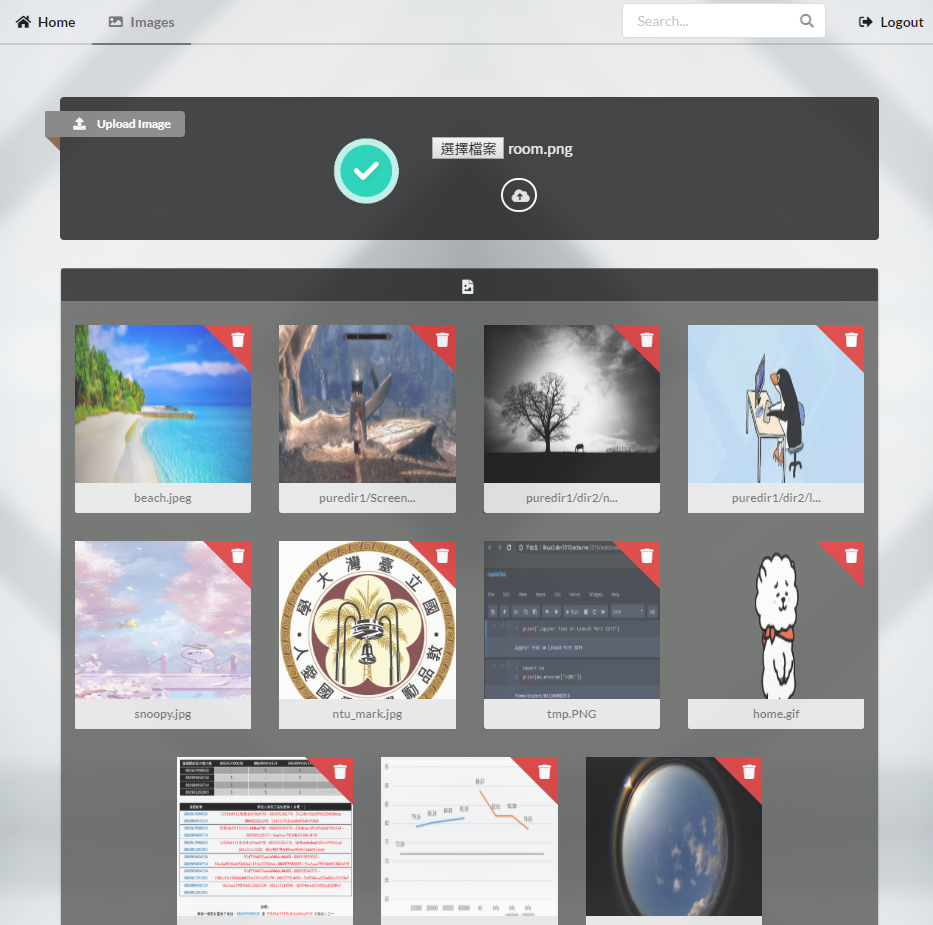
| Upload Image or Zipped Images |
 |
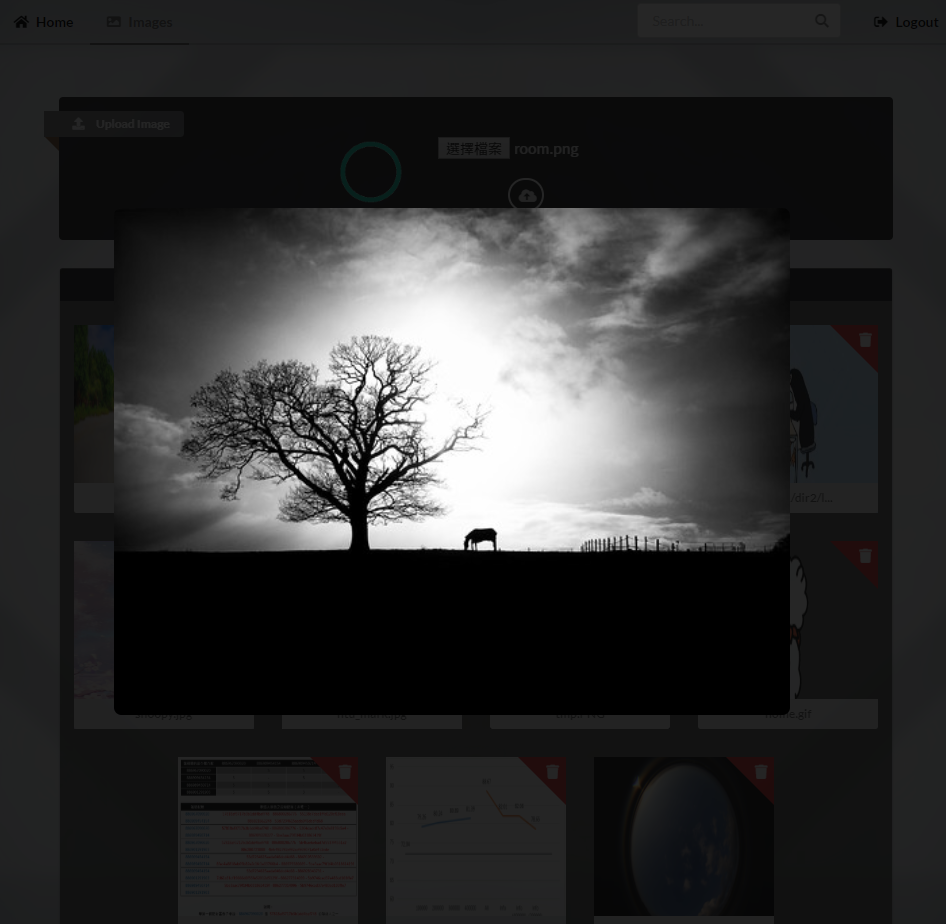
| View Image |
 |
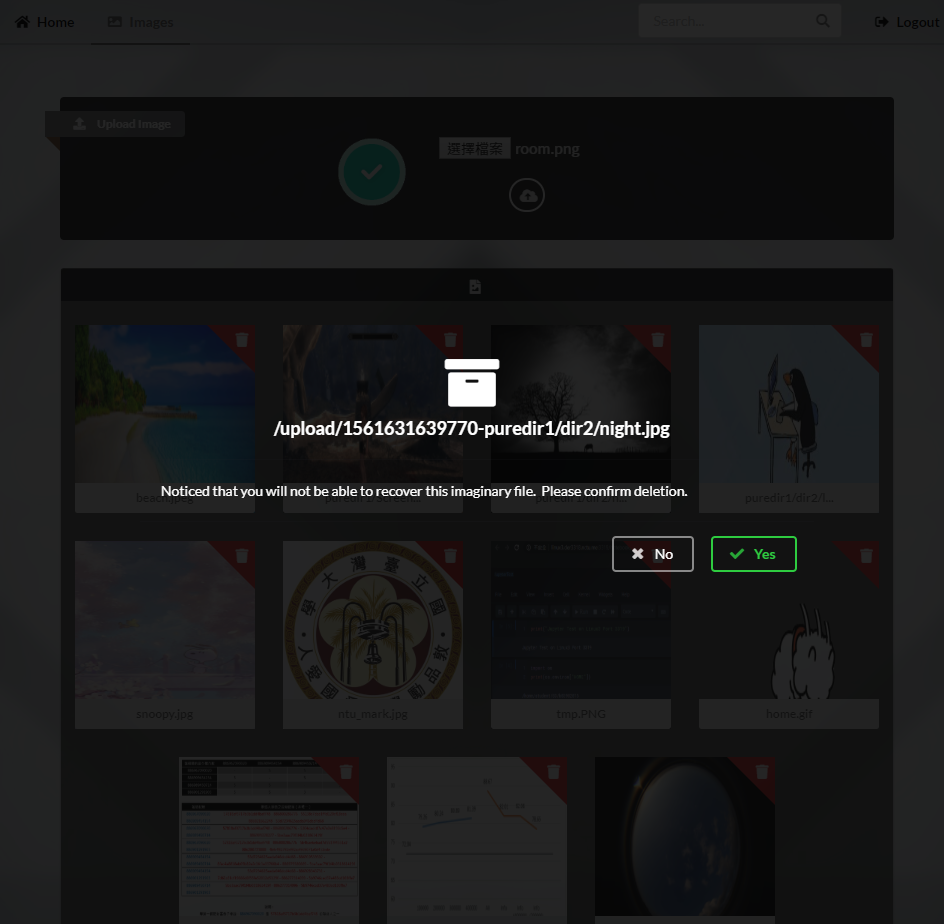
| Remove Image |
 |
- JDK/JRE 8+
- Setup Environment Variable $JAVA_HOME
- Download and Install
- Version 4.8+
- Download Zip
- Unzip and Copy the Gradle Library Path (
/tmp/gradle-5.4.1)
- Modify Line No.36 in File
activate in the Repository to Yours
- Run
$source activate to Modify the Gradle Environment Variable
- Create File
$USER_HOME/.gradle/gradle.properties
- Add
org.gradle.daemon=false to the File
- Reference
- Modify
host and port in conf/application.conf
- Default Host
0.0.0.0 and Port 3318
- UNIX -
$chmod +x gradlew and $./gradlew joobyRun
- Windows -
$gradlew.bat joobyRun
- Browse the Interface via
http://YOUR_IP/images


