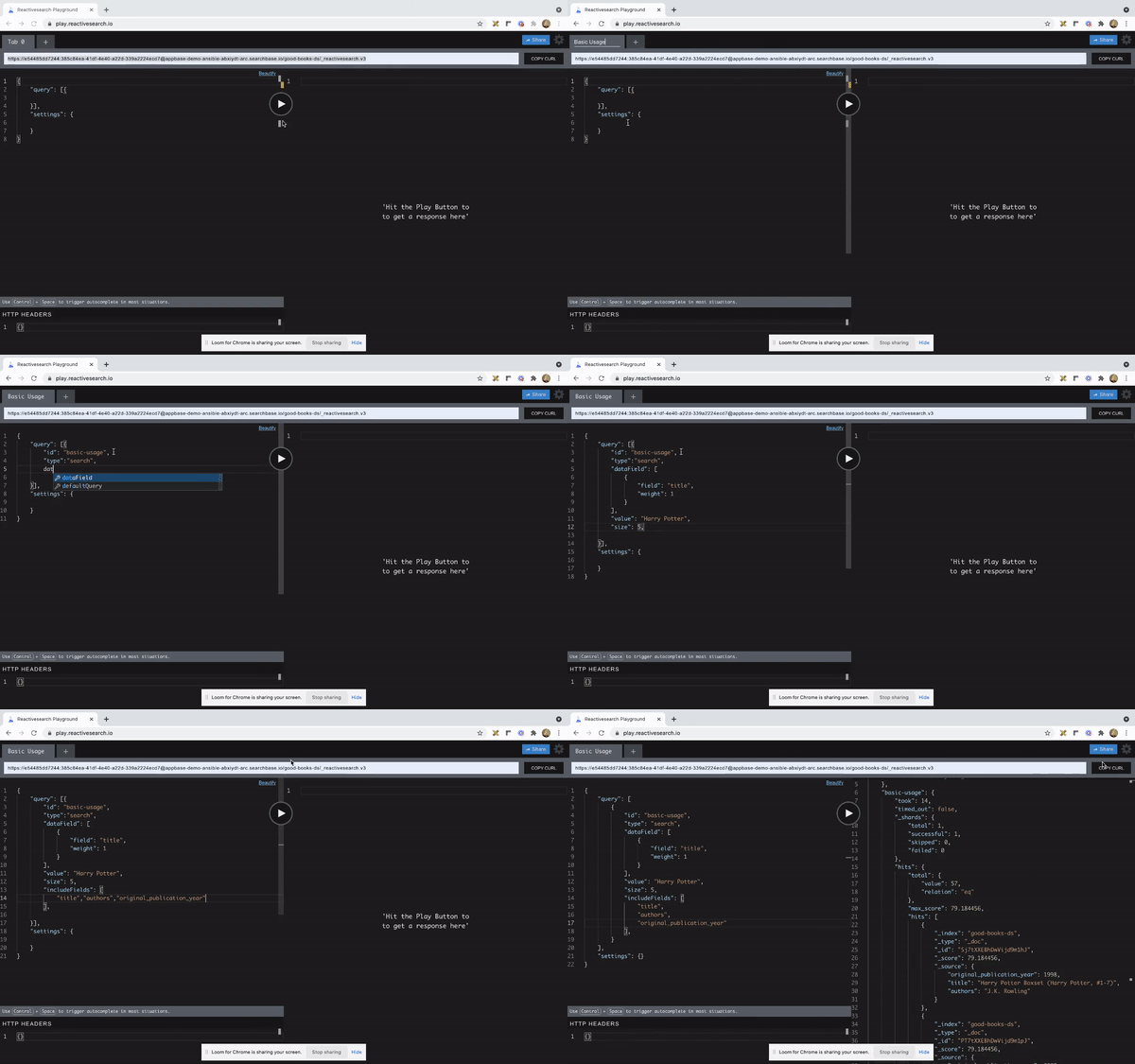
A web playground which makes it easy for developers to work with Appbase.io REST API.
- ✨ Context-aware autocompletion & error highlighting
- 🚥 Easy embeddability
TSDX scaffolds your new library inside /src, and also sets up a Parcel-based playground for it inside /example.
The recommended workflow is to run TSDX in one terminal:
npm start # or yarn startThis builds to /dist and runs the project in watch mode so any edits you save inside src causes a rebuild to /dist.
Then run the example playground:
Then run the example inside another:
cd example
npm i # or yarn to install dependencies
npm start # or yarn start
The default example imports and live reloads whatever is in /dist, so if you are seeing an out of date component, make sure TSDX is running in watch mode like we recommend above. No symlinking required, we use Parcel's aliasing.
To do a one-off build, use npm run build or yarn build.
To run tests, use npm test or yarn test.
Upon visiting the 🔗 playground, the below interface is displayed:
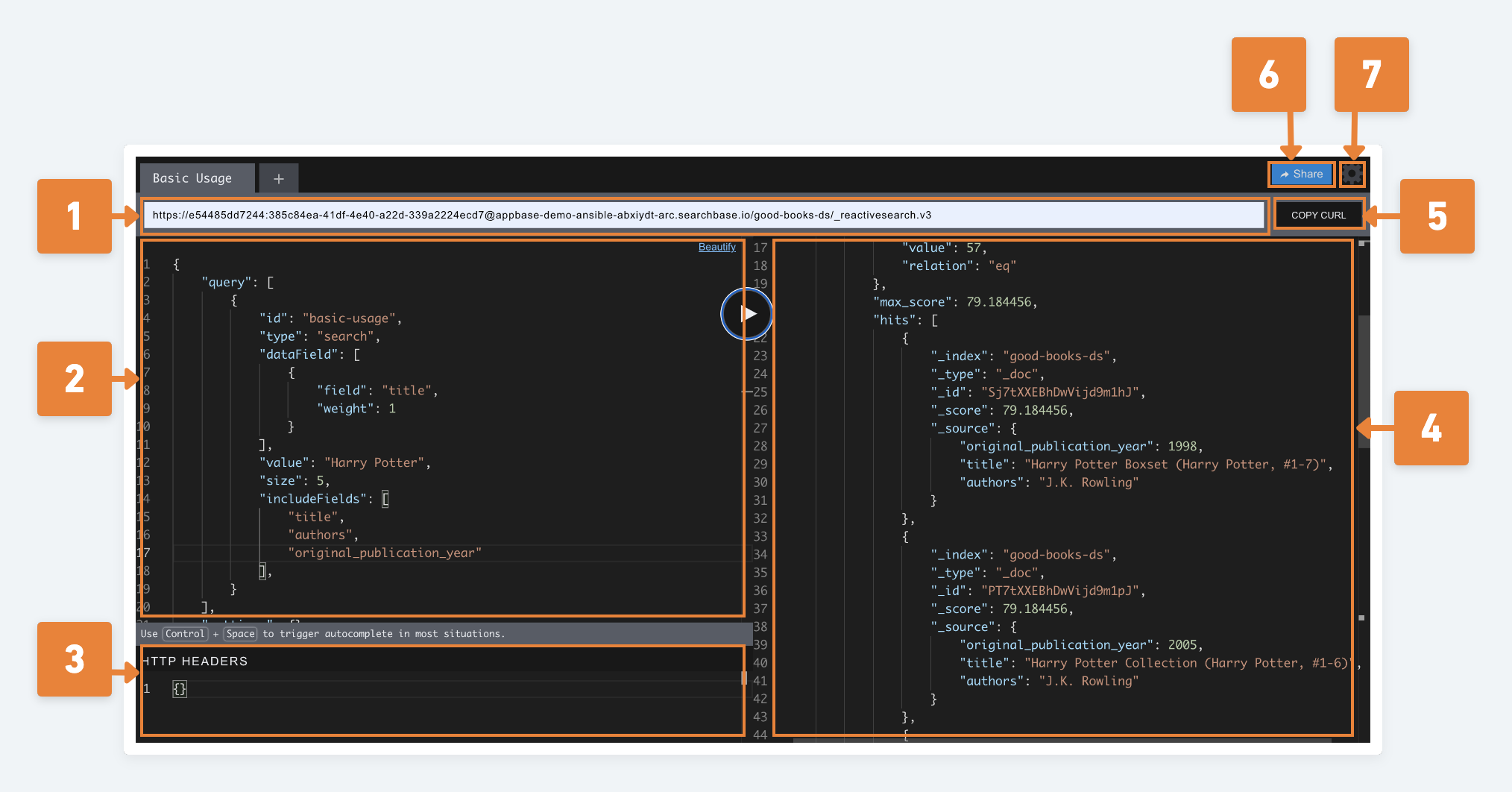
- 1: The url input takes the endpoint url of your indexed dataset.
- 2: Use the query editor area to input your reactivesearch/ elasticsearch queries.
- 3: Use the optional header area to pass any required/ optional headers with the query request.
- 4: The response area displays the response fetched, after clicking the Play button, which is used to fire the query.
- 5: Optionally, one can copy the cURL command for the processed query.
- 6:
Sharefunctionality enables to share the current state of your playground.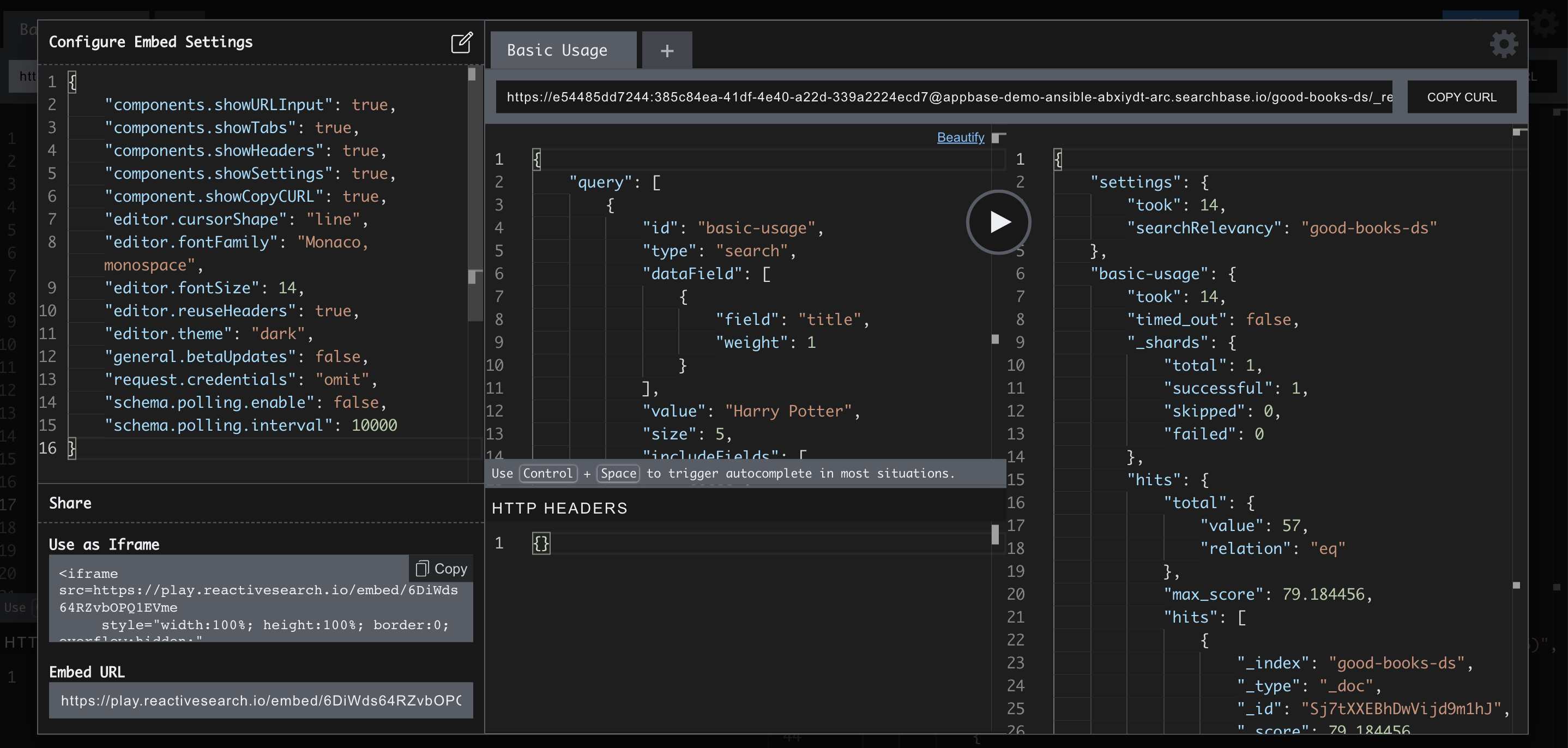
- 7:
Settingslets one edit various playground settings.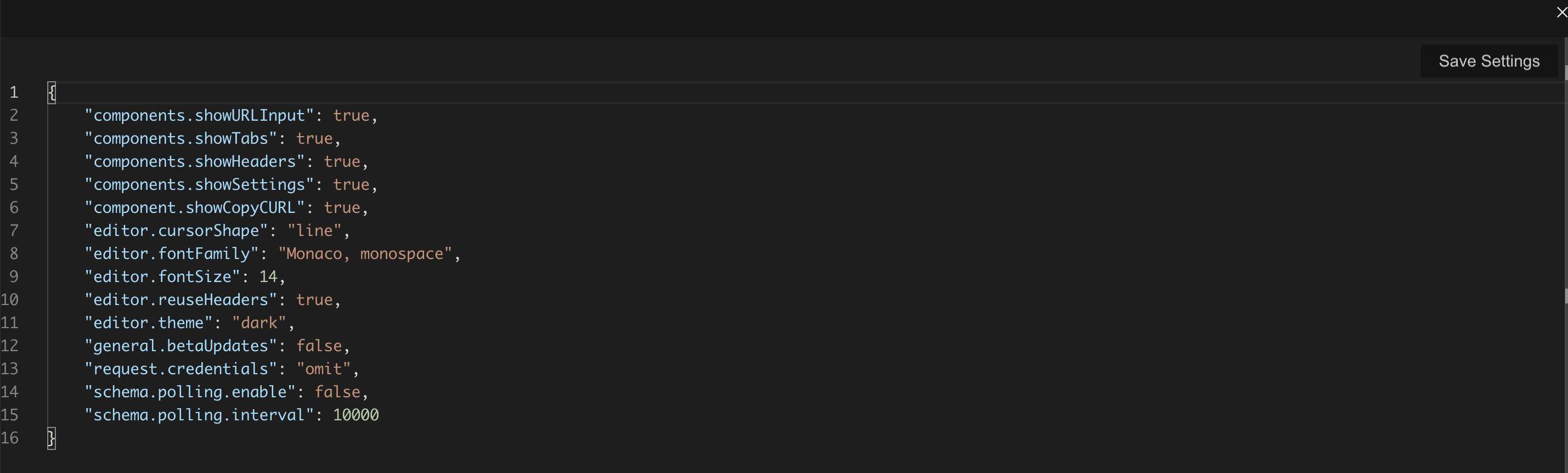
An example
Click here to check the example live: