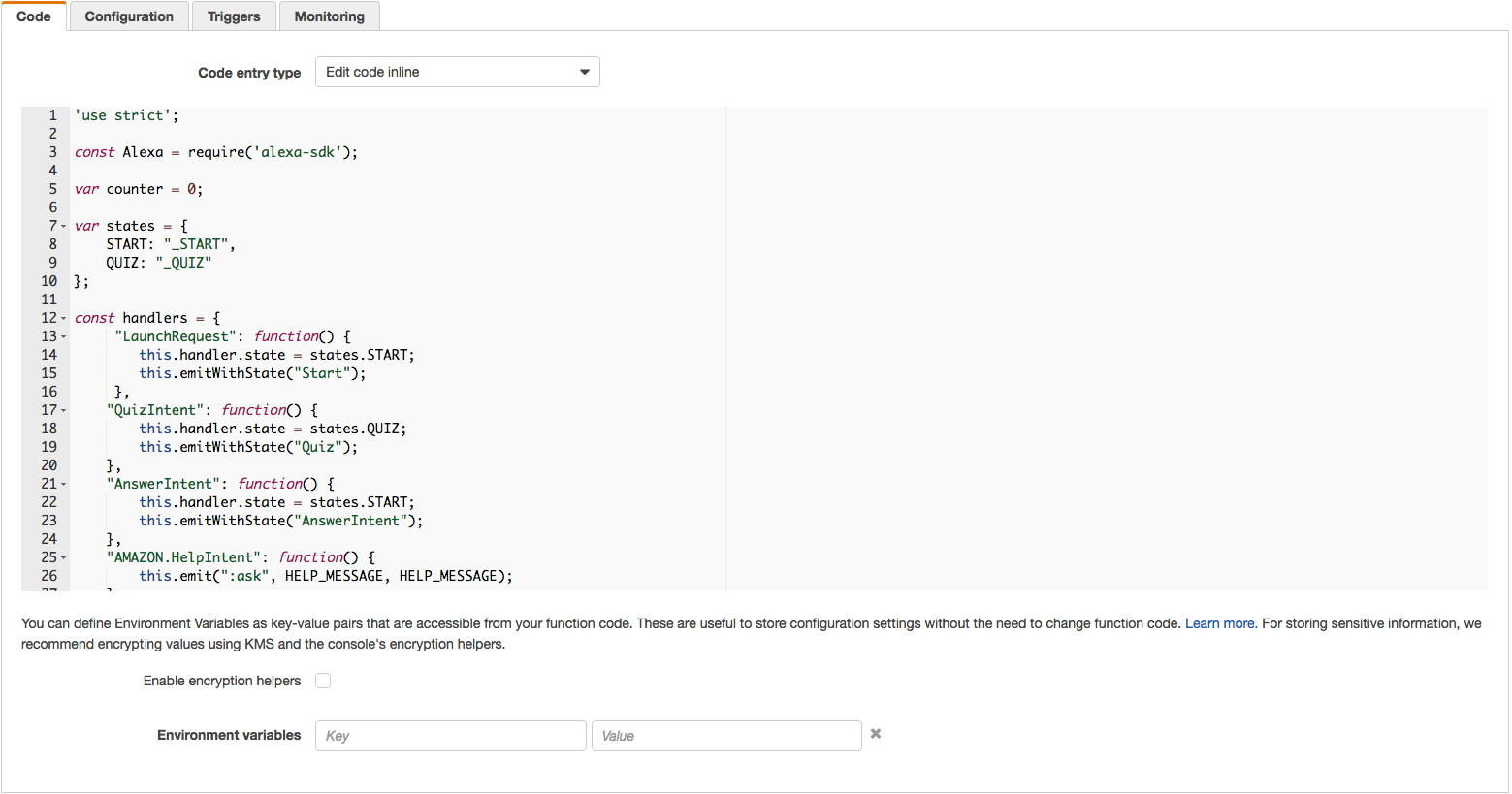
At this point, you should have a working copy of our Decision Tree skill. In order to make it your own, you will need to customize it with questions and conclusions that you create. Open the index_templates.js file, copy and paste it directly into Lambda, or into a text editor/IDE to make the customizations. Here are the things you will need to change:
-
New data. You will need to create a new set of messages, questions, answers, and descriptions for your skill.
-
Open a copy of index_template.js. If you haven't already downloaded the code for this project, you can find a copy of index_template.js here on GitHub. You can use a simple, lightweight code editor like Atom, Sublime Text, or VSCode, but you also have the option to edit the code directly in your Lambda function.
-
Search for the comment "TODO: Replace this data with your own." These are the placeholders for our skill. You can see that there are questions, answers & descriptions, and messages or prompts. Here's some things to consider:
-
You can provide questions, answers, messages and prompts to customize your decision tree.
-
A Quick Explanation of How it Works Take a look at the code in index_template.js at line 20. Each "yes" or "no" answer maps to a different node in the
nodesarray. The resulting node may be a another question, in which case Alexa will expect another "yes" or "no" answer from the user before progressing to the next node. This will continue procedurally until an "answer" node is reached (nodes with0values foryesandnoobject properties). Once at an exit node, the programmatic end of the decision tree has been reached. Alexa will read the description to the user. -
There are three states in this implementation. Each state has its own set of handlers. Take a look at the comments in the code to understand what they do in greater detail.
- STARTMODE: Line 96 in index_template.js Prompt the user to start or restart the game.
- ASKMODE: Line 113 in index_template.js Alexa is asking user the questions
- DESCRIPTIONMODE: Line 164 in index_template.js Alexa is describing the final choice and prompting to start again or quit.
-
-
When you have replaced the placeholders in index_template.js, copy the contents of your file to your Lambda function. This should be as simple as copying the text, and pasting it into the code box for your Lambda.
-
-
Once you have made the updates listed on this page, you can click "Next" to move on to Publishing and Certification of your skill.