Upgrade a squad of space vikings strategically in a turn-based multiplayer duel, tinkering your way to Valhalla's Forge!
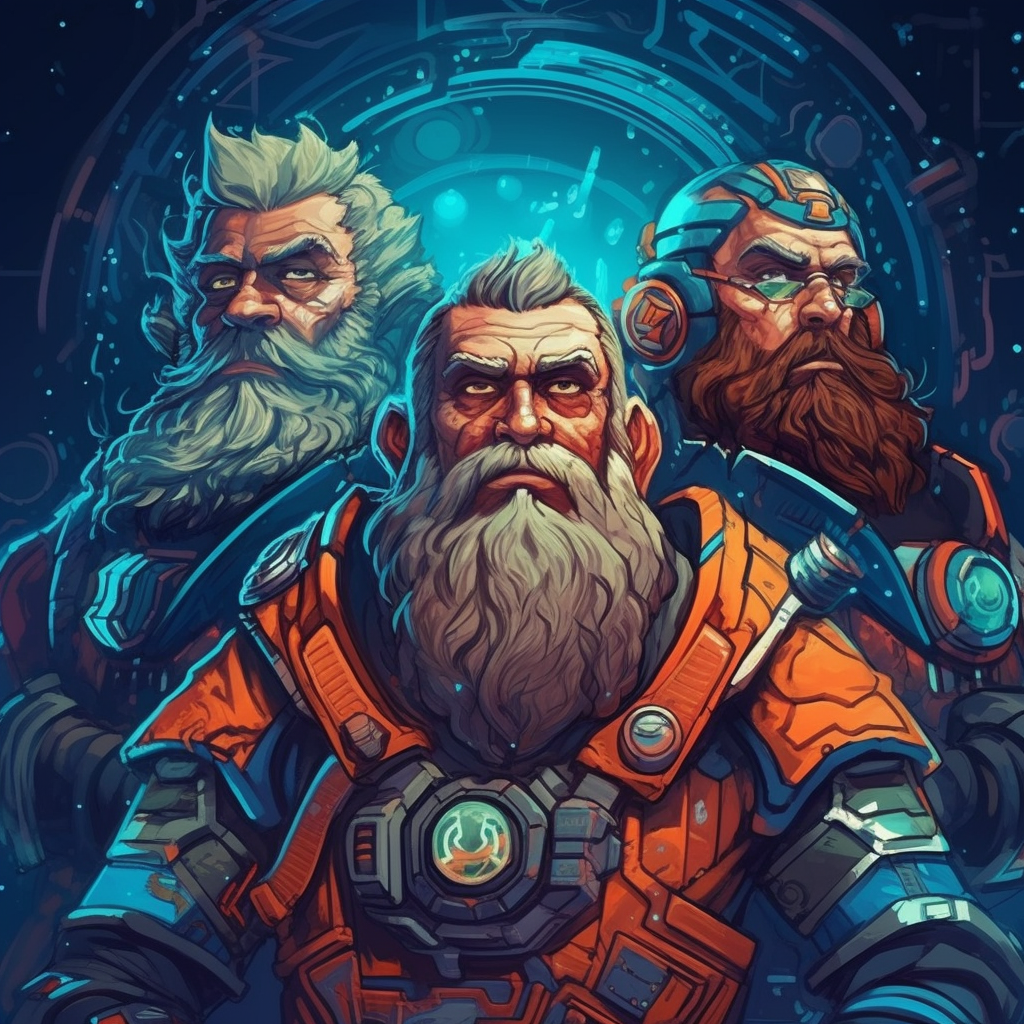
In this game, you command a small squad of Space Vikings in their ships fo defeat your opponent.
To start, go to the website https://valhallas-forge.interstellar-games.com/. Alternatively, a Windows build can be downloaded form this repo under the folder Builds.
Once there, you can join the Queue. This is a matchmaking queue, and once another player joins the queue, you are matched together to play the game. Each player starts with 3 ships.
The game is played out in several rounds made up of several phases.
The first phase is the Planning Phase. In this phase, you need to select a meneuver for each ship. You will have to think ahead because you won't know what your opponents will do before you both have sumbitted your maneuvers! After both players have commited their maneuvers, the game will execute them and go to the next phase.
The second phase is where ships can do things other then move around. You can fire at your enemies or Upgrade a part of your ship. The first player will get a chance to activate one of their ships. After that, the other player will, until there are no more ships left. When all ships have been activated, we go to the next turn which again starts with the Planning Phase.
The game ends when all ships of a team are destroyed.
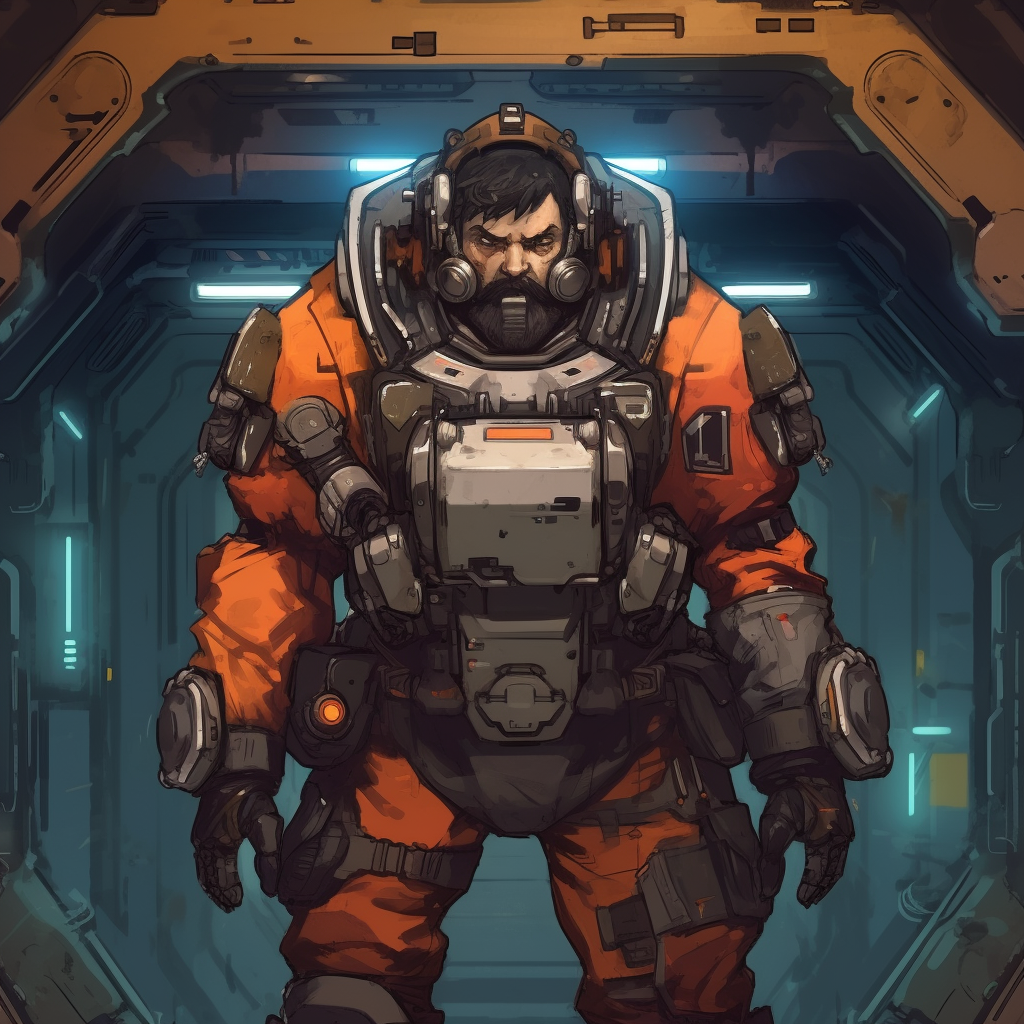
Since this is a PvP game, make sure you have a buddy ready and try to connect with eachother.
There is an issue with the socket connection, it has a tendency to close without reconnectiong. This is by far the most occuring issue. The simplest solution is just to refresh the page or restart the game. You will continue exactly where you left off.
This might be because you have no solana on the account. There is a button to airdrop some sol. This might not always work. In the Lamport DAO discord (https://discord.gg/YjvSfhF4) there is a command to transfer sol to an address. The command is /drop [address] [amount] and you can get the address by using the Copy button next to it in the UI. If that also doesn't work, there most likely is an issue with the connection. See how to fix that above.