


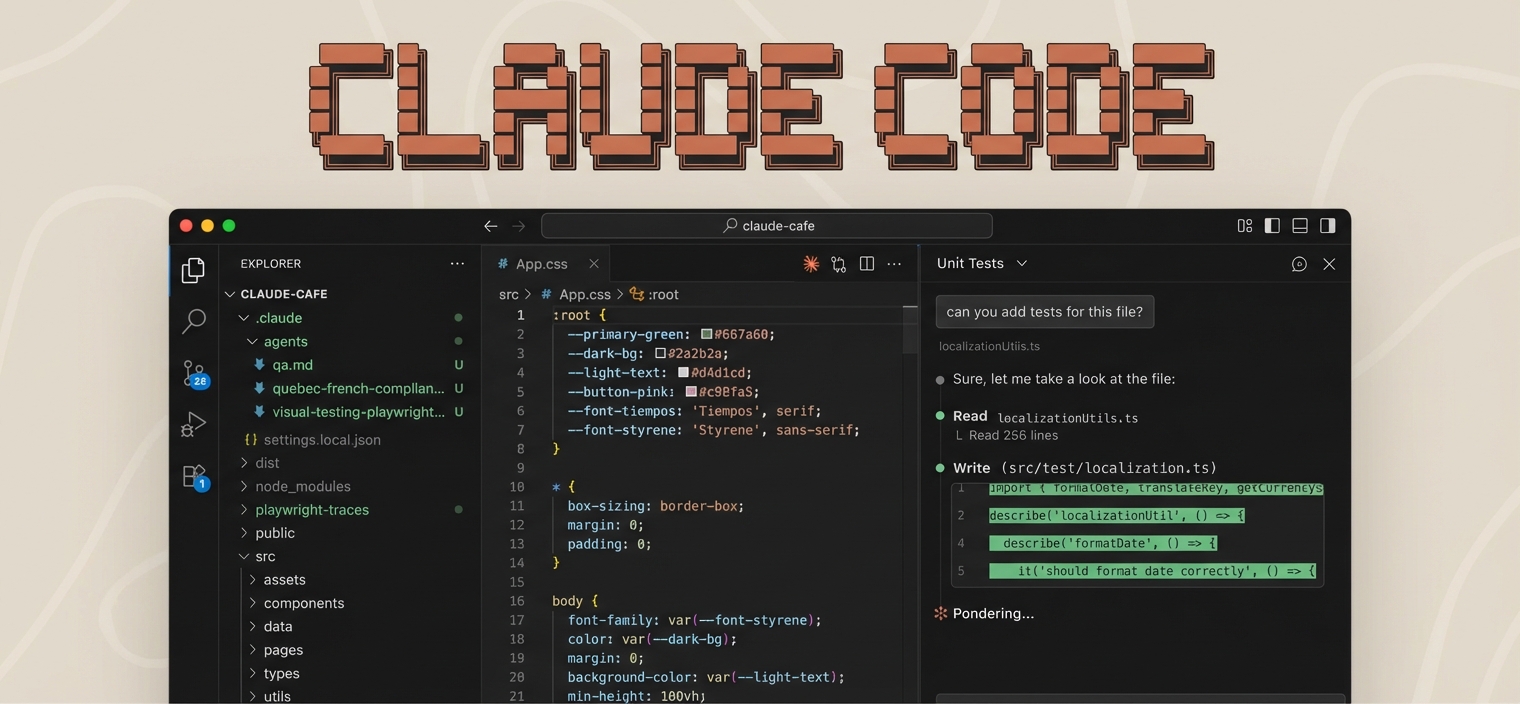
A complete guide for setting up a modern development environment with VS Code, Claude Code, and essential tools.
Perfect for AI/ML developers, web developers, and creators who want a professional setup fast.
irm https://raw.githubusercontent.com/AgriciDaniel/claude-code-essentials-vs-code/main/scripts/setup.ps1 | iexcurl -fsSL https://raw.githubusercontent.com/AgriciDaniel/claude-code-essentials-vs-code/main/scripts/setup.sh | bashgit clone https://github.com/AgriciDaniel/claude-code-essentials-vs-code.git
cd claude-code-essentials-vs-code
# Windows
.\scripts\setup.ps1
# macOS / Linux
chmod +x scripts/setup.sh && ./scripts/setup.sh| Guide | Description |
|---|---|
| Dev Setup Guide | Core tools, package managers, CLI utilities |
| VS Code Extensions | 26 essential extensions + settings |
| Claude Code Guide | Complete Claude Code features and usage |
| Claude Code Resources | Ready-to-use skills, commands, agents |
- 26 VS Code Extensions - Python, ESLint, Prettier, Tailwind, GitLens, Claude Code Official, Copilot, and more
- Claude Code CLI - Full installation with directory structure
- Example Commands and Skills - Ready-to-use templates
| System | Stars | Description | Install |
|---|---|---|---|
| BMAD Method | 32.9k | 21 agents, 50+ workflows | npx bmad-method install |
| SuperClaude | 20.5k | 30 commands, 16 agents | pipx install superclaude |
| CCPM | 6.1k | GitHub-native project management | curl -sSL https://automaze.io/ccpm/install | bash |
# Official HTTP servers
claude mcp add --transport http github https://api.githubcopilot.com/mcp/
claude mcp add --transport http notion https://mcp.notion.com/mcp

# NPX-based servers
claude mcp add playwright -- npx @playwright/mcp@latest
claude mcp add memory -- npx -y @modelcontextprotocol/server-memory| Resource | Description |
|---|---|
| awesome-claude-code | 16.9k stars - Curated everything list |
| wshobson/commands | 57 production-ready commands |
| claude-flow | 60+ agents with swarm coordination |
| SkillsMP.com | 71k+ skills marketplace |
See Claude Code Resources for the complete Top 30 ranked list with install commands.
| Script | Windows | macOS | Linux |
|---|---|---|---|
| Full setup | setup.ps1 |
setup.sh |
setup.sh |
| Extensions only | install-extensions.ps1 |
install-extensions.sh |
install-extensions.sh |
| Claude Code only | setup-claude-code.ps1 |
setup-claude-code.sh |
setup-claude-code.sh |
# Install Homebrew (if not installed)
/bin/bash -c "$(curl -fsSL https://raw.githubusercontent.com/Homebrew/install/HEAD/install.sh)"

# Install Node.js and VS Code
brew install node
brew install --cask visual-studio-code# Install Node.js
curl -fsSL https://deb.nodesource.com/setup_lts.x | sudo -E bash -
sudo apt install -y nodejs
# Install VS Code (Debian/Ubuntu/Mint — download .deb from https://code.visualstudio.com)
sudo apt install -y ./code_*.deb
# Snap alternative (not available on Linux Mint): sudo snap install code --classicComplete toolchain: Node.js, Python, Git, package managers, CLI tools, containers, AI/ML packages.
26 curated extensions including the official Claude Code extension, with one-liner install.
Everything about Claude Code: slash commands, skills, subagents, MCP servers, plugins, hooks.
Ready-to-use templates: slash commands, skills, agents, and CLAUDE.md project template.
winget upgrade --all
npm update -g @anthropic-ai/claude-codebrew update && brew upgrade
npm update -g @anthropic-ai/claude-codesudo apt update && sudo apt upgrade -y
npm update -g @anthropic-ai/claude-codeQ: Do I need a paid Claude account? A: Yes, Claude Code requires Claude Pro, Max, Teams, or API access.
Q: Which platforms are supported? A: Windows, macOS, and Linux are all fully supported with dedicated scripts.
Q: What's the difference between Cline and Claude Code extension? A: Cline is third-party. Claude Code (anthropic.claude-code) is Anthropic's official extension.
MIT License - Use freely for personal and commercial projects.
If this helped you, consider starring this repo, forking and customizing, or sharing with other developers.
Made with love for the developer community