[My Blocks+] Extremely broken behavior when there are at least two command blocks inside a custom C cap block #427

Description

To recreate
- Create a custom block that has one branch and is marked as a cap block.
- Place a call to the custom block anywhere in the editor.
- Place two consecutive command (not a hat or reporter) blocks inside the branch of the call block.
- Switch the code editor view to another sprite (or the Stage) and then switch it back.
Result
Here are some buggy behaviors I found occur when you perform these steps:
- The cap of the call block disappears.
- If the call block is attached below another block, attempting to grab the call block directly will permanently break the editor by making it impossible to set the block down again. The only way to recover from this is to save the project (while the block is still attached to your mouse, mind you) and then refresh the page and load the project again, at which point you will find the call block in its original position, except not actually attached to the block above it.
- The animation for throwing away the block will appear to be glitched, and the contents of the branch will show up off to the side instead of in the branch.
You need to click the image below to play the GIF
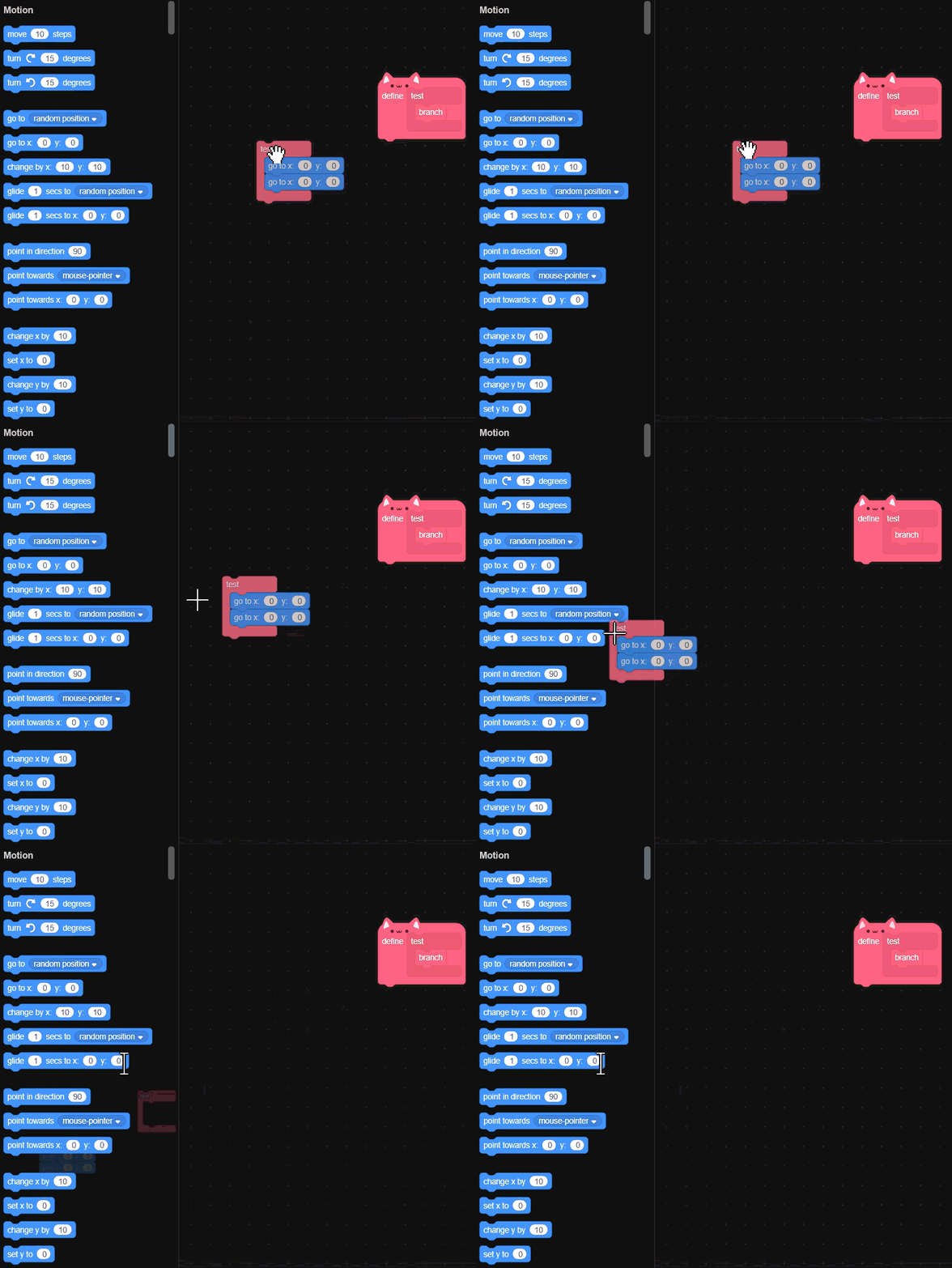
All of the above behaviors are temporarily fixed by removing all except one of the command blocks and then reloading the code editor (by switching to and then back from another sprite). The buggy behavior returns as soon as the code editor is reloaded after the command blocks are added back.